
Cameras Off, Everyone Silent, and No Closer Than Before
A hypothetical: the HR team at a logistics company runs an online event once a quarter. The format never changes: a one-hour video call, a quiz game where the host reads out questions one by one, and an introduction round where most people give their name and favorite food. Nearly the whole room has its camera off, because nobody wants to be the only one with it on.
Afterward everyone gets a sticker in the chat. But the next Monday, when someone needs to ask about work across departments, nobody dares to message the person they just "took part" with. The event wasn't bad because people don't care about the company. It was bad because a single room where people take turns speaking doesn't create one-on-one conversations.
Team building that people want to join is the kind that leaves you knowing a few more people by name, not with a screenshot full of initials.
Why Don't Relationships Just Happen?
GitLab's informal communication guide says new hires should schedule at least five coffee chats during onboarding, and the company lists more than 15 other deliberate ways to encourage connection. Their reasoning is that running into people in an office hallway isn't something a remote team can wait for.
Slack's Workforce Index, published on December 5, 2023 and based on 10,333 office workers in six countries, found that 1 in 5 (20%) said they don't have time to connect with colleagues. The problem is sharper among entry-level employees. An activity squeezed into the end of a day full of meetings is seen as a burden, not a gift.
Buffer's State of Remote Work 2023 surveyed 3,000 remote workers and found that 23% chose loneliness as one of the difficulties. So activities designed to get people talking aren't decoration. They are part of the work. For the emotional side, see feeling lonely working from home, and for the point where new hires have nobody to say hello to, see onboarding new employees online.
12 Ideas People Will Actually Speak Up For
Pick two or three per quarter. Don't run all twelve in one month.
- Paired coffee chats. Twenty minutes, with randomly matched pairs who haven't worked together. One topic, such as which corner of your home you work from. No slides.
- Show an item from your desk. Each person holds up one object that explains their work or habits in one minute. Shorter than a résumé-style introduction.
- Walk and talk instead of sit and talk. Set up a voice-only call for pairs and ask them to get up and walk. People who don't enjoy being on camera get a break from staring at a grid of faces.
- Lunch in groups of four. Open them all at the same time for twenty minutes, with no agenda. Split into many groups at once, so nobody has to take turns in a fifty-person room.
- Ten-minute skill lessons. Team members teach something they're good at, such as setting up spreadsheet formulas or framing a photo. No need to invite outside speakers.
- Stuck-work clinic. Each person brings one stuck piece of work and gets fifteen minutes of help from someone outside their own team. You get both a relationship and progress on the work.
- Hometown map. Each person pins the province or country where they grew up and shares one thing others don't know. Works well for teams spread across different regions.
- New-hire welcome room. People who joined this month walk the team around to show where they sit and what they'd like people to say hello about. Ties directly into onboarding.
- Short games in small groups. Five to eight people per circle, with games that finish in ten to fifteen minutes. Small circles let quiet people speak.
- A letter to a teammate. Write an appreciation message to someone who helped you this month. Read it yourself; nobody has to stand up and speak in front of the room.
- Co-working hour. Everyone works on their own tasks with the audio quietly on for forty minutes, then talks for the last five. You get the feeling of having people around without playing a game.
- Retire the activity nobody wants to attend. Ask plainly what from the last event should be dropped. That honesty matters more than any new idea.
Let People Form Several Groups at the Same Time
Activities fail in a single-room video call because only one speaker can talk at a time. At a real party, people stand in several clusters and talk at once.
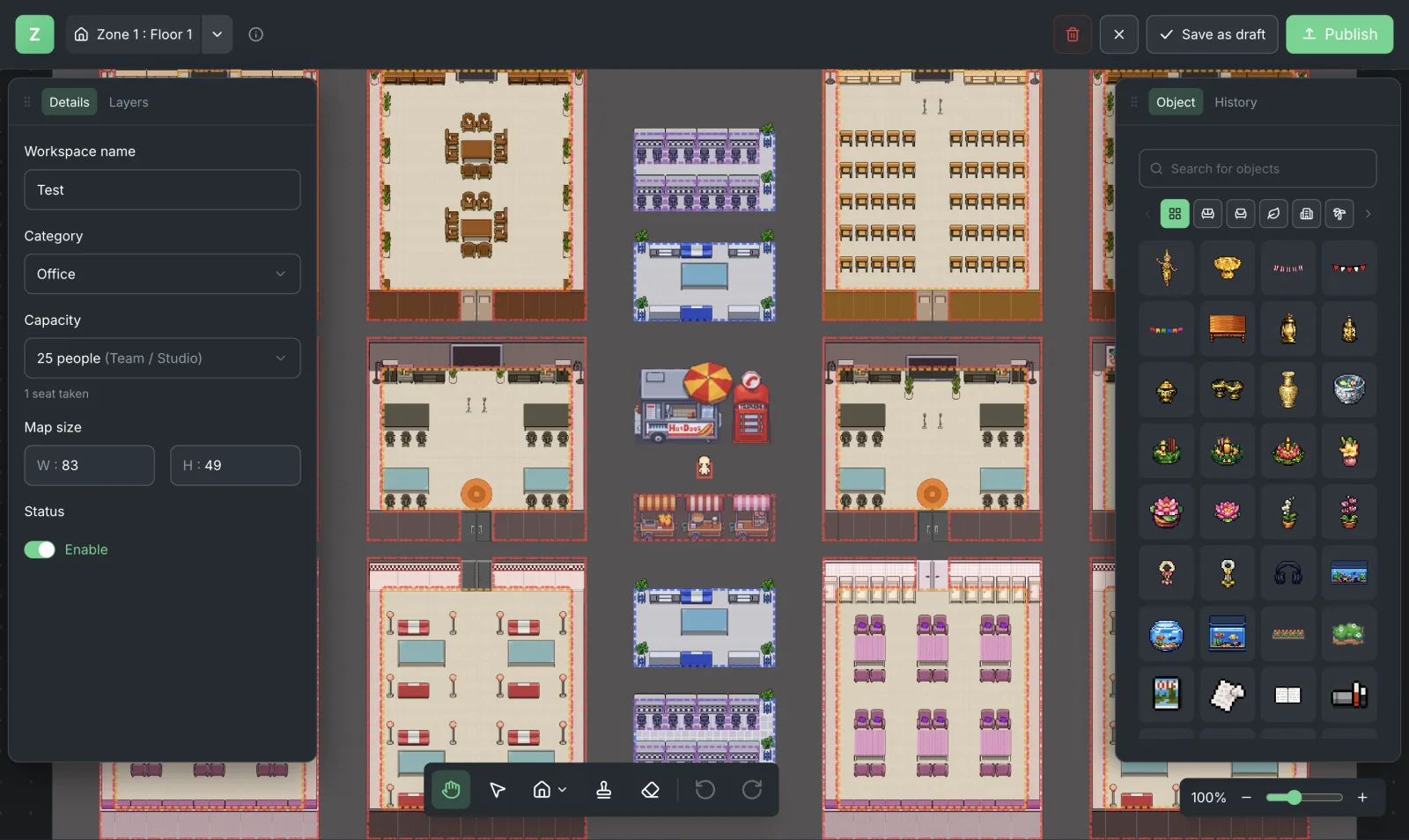
Zyra World lets you arrange a space with templates and furniture, so each group can take its own corner and talk by distance using proximity voice. People can walk from one group to another without a host moving them between rooms. Screen sharing is for when a group needs to point at the same thing. Space details are on the Features page, and the idea of an office that stays open all day is covered in online office.
Nobody has to keep their camera on all the time. Distance-based audio is enough for coffee chats and lunches.
Company-Wide Announcements Can Still Use Google Meet
When you need everyone to hear the same news at the same time, Google Meet is still the clear choice. It has a start and end time, and you can send the link to people who don't use the daily workspace.
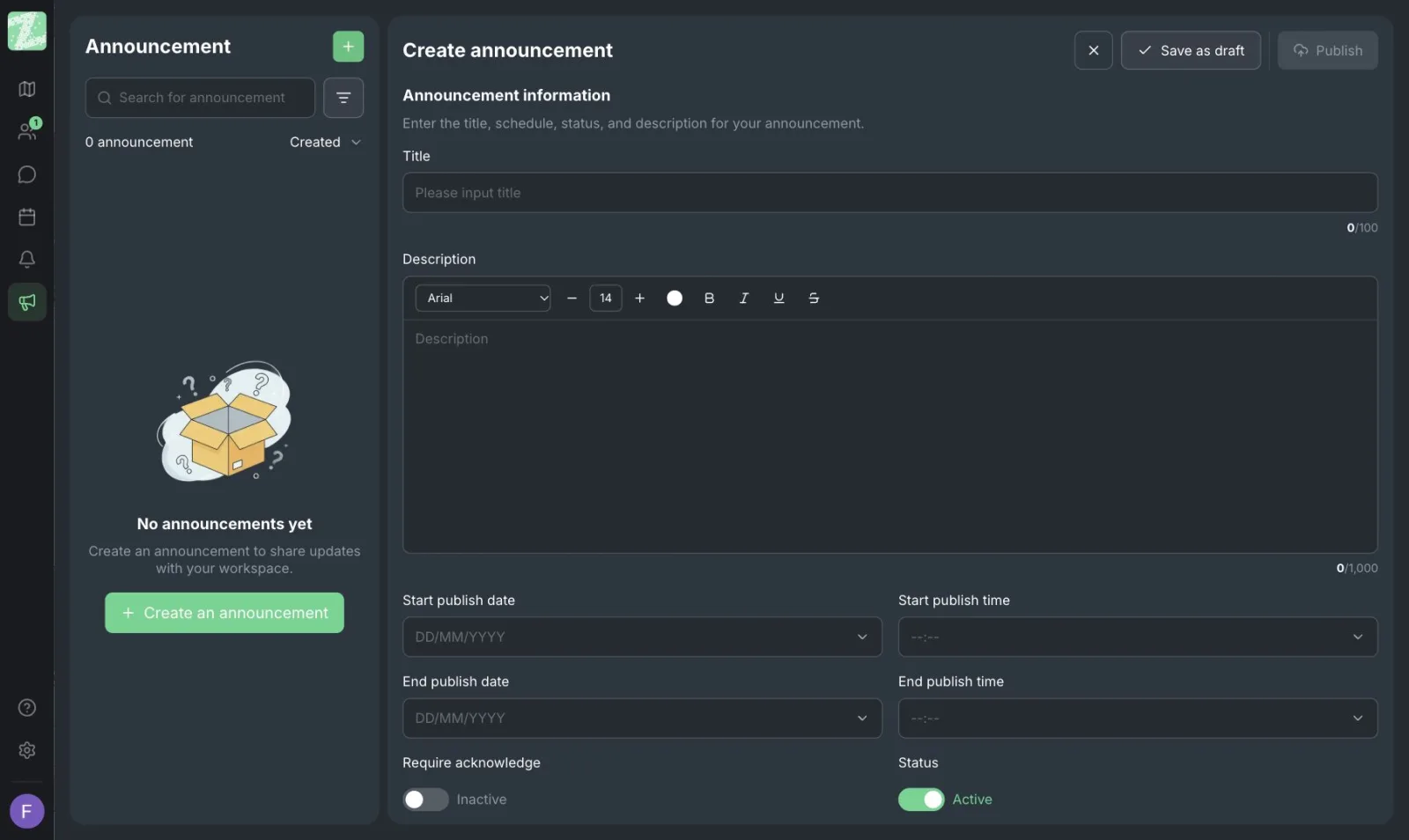
When the announcement ends, people can move into the team's space and chat in groups. Zyra doesn't replace the announcement meeting. It replaces the time people spend standing around talking after the mics are off, which rarely happens in a single-room video call because everyone hangs up at the same moment.
How to Run One Activity So People Don't Burn Out
Take paired coffee chats as an example, because they need few people and are easy to measure. On Monday, announce that everyone has one partner this week, twenty minutes each. The topic is "the most recent piece of work you're proud of, and one that still bothers you." No slides, no recording. Offer three time slots so people who pick it up in the evening still have a way in.
During the chat, stay in your own small circle. If you're using a walkable space, put each pair in a corner where they can't hear the others, like a party rather than a room with one central mic. When time is up, there's no report in front of the room. Each person just writes their partner's name in a private list kept by their manager or buddy, so next week's pairs don't repeat and you can see who has no partner.
The following week, ask one question in the team meeting: has anyone messaged someone they just talked to about real work? Nobody needs to retell the whole twenty minutes. If nobody follows up, the activity ended at the activity. Next time, give a prompt with a small piece of work mixed in, such as spending ten minutes looking at the other person's stuck work, and then talk about non-work things.
Avoid three things that make people turn their cameras off from the start: forcing everyone to speak in list order, asking people to show their whole home, and announcing that anyone who doesn't attend isn't part of the culture. People with unstable internet or small children at home will disappear from the team faster than any activity can build a relationship.
Make the Next One Smaller Than the Last
If the last event was a big, quiet room, make this one pairs or groups of four. Measure it with one question the following week: did anyone message someone they hadn't messaged before? If not, the format isn't working, even if everyone clicked to join.
You can open a space for small groups in the browser with Zyra. Teams of up to 25 members can start for free.
Start using Zyra for free, for teams of up to 25 members
Frequently Asked Questions
How often should we run online team building?
Short weekly or biweekly conversations between pairs usually work better than a big quarterly party. What matters is that people really have the time. Slack's 2023 data found that 20% say they have no time to connect with colleagues. If you squeeze an activity in at the end of a day of meetings, it becomes the eleventh meeting.
Do cameras have to be on?
It shouldn't be an iron rule. Some games use visuals, but coffee chats and walk-and-talks work with audio only. People who can't turn on a camera at home shouldn't feel like they're not part of the team.
Does a small team of five still need to do this?
It's still useful, but you don't need a host. A rotating coffee chat schedule is enough. The goal is conversations that aren't about work status, not photos of an event.
How do we invite people who don't like games?
Choose activities built around pair work or teaching a skill. This group often shows up when they see they won't have to perform. Then you can invite them to games in groups that choose to play.
Can we use a single video call room?
Yes, for announcements and group lessons. But forming several conversation groups at the same time becomes awkward because everyone has to take turns on the mic. A space where people can walk up to each other suits the second half of an event.
Try Zyra with your team
Free for up to 25 members. It runs in your browser, so there is nothing to install.