
10 a.m. for a Team Working in Different Places
Picture a 12-person marketing team at a company in Bangkok. Half the team works from home; the other half comes into the office two days a week. This morning, "Mint" needs a quick answer from the graphics team on which version of an image to use. She posts in the team's LINE group and waits. Half an hour later nobody has read it, because it is buried under stickers and dozens of other messages. So she books a 15-minute Google Meet to ask a question that takes 30 seconds to answer.
The team lead has worries of his own. He doesn't know who is stuck, who is free enough to take an urgent task, or which piece of work is waiting on whom. Checking in too often risks making the team feel watched. And the newcomer who joined this month hesitates to message anyone, because she can't tell whether the other person is busy.
This isn't about lazy people or bad tools. It is the gap that opens when a team is no longer in the same place.
This Problem Happens to Teams Everywhere
Several studies paint the same picture. Buffer's State of Remote Work 2023 report, which surveyed 3,000 remote workers worldwide, found that 23% named loneliness as one of the difficulties of working remotely. Microsoft's Work Trend Index (September 2022), which surveyed more than 20,000 workers in 11 countries, found that 85% of business leaders said the shift to hybrid work made it harder to be confident that employees are being productive, and 54% of hybrid managers felt they had less visibility into their team's work (compared with 38% of managers working in the office).
These figures come from global surveys, not data specific to Thailand. But the situation is similar in many remote and hybrid teams: nobody knows who is free, every small question turns into a meeting, chat messages get lost, people feel distant from one another, and managers find it hard to follow the work.
What Is an Online Office?
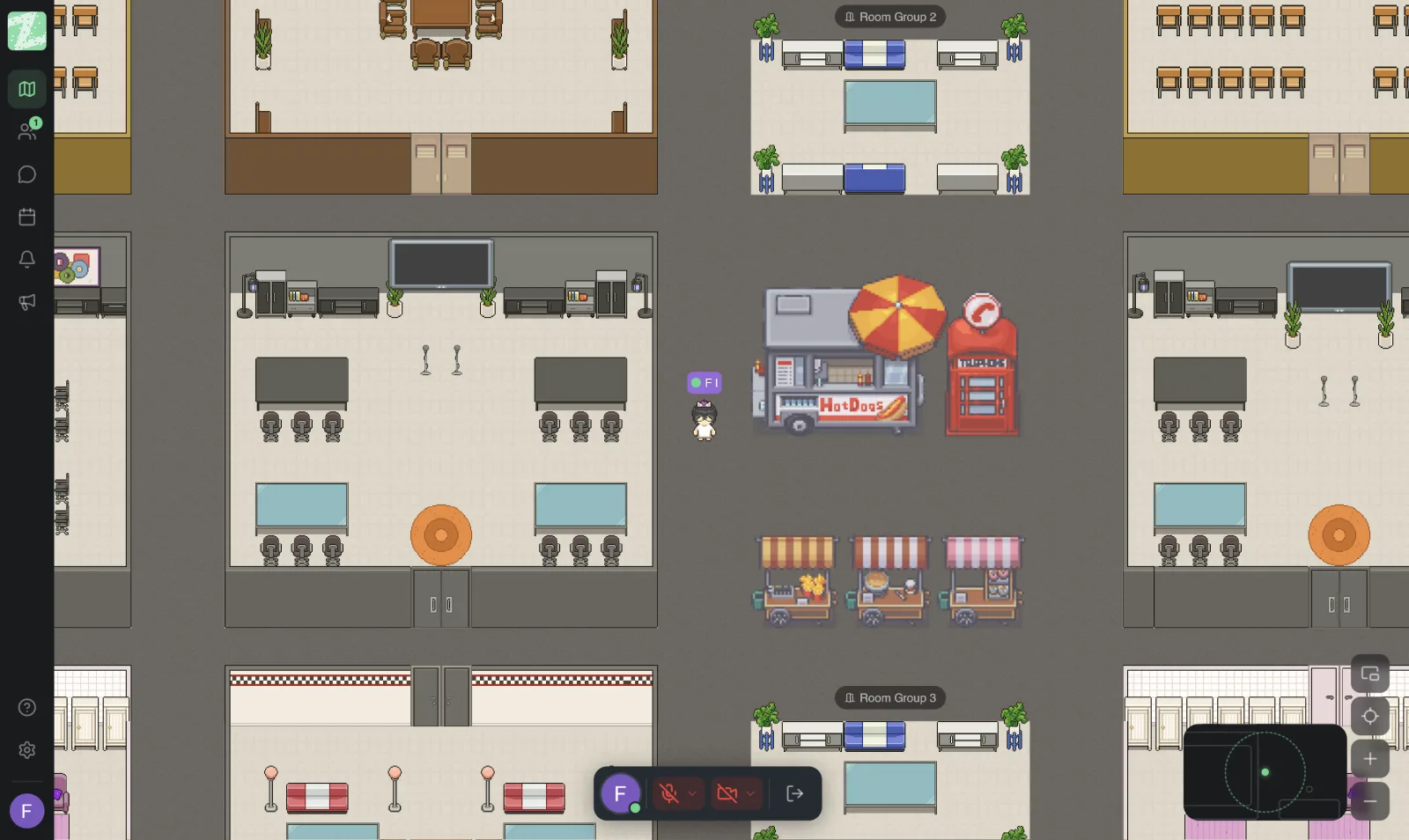
An online office is a digital workspace that a team keeps open during the workday. Everyone has an avatar on the same map, with meeting rooms, team areas and private zones. When you want to talk to someone, you walk your avatar over to them, and audio and video connect automatically, like turning to chat with the colleague at the next desk.
In Thai, the term is often used interchangeably with "virtual office." But in Thailand, "virtual office" is also used for services that provide a registered business address. We explain the difference in What Is a Virtual Office for Teams.
Why Zyra, and How Is It Different From Google Meet?
The first question many teams ask is, "We already have Google Meet, so why do we need an online office?" The short answer: the two do different jobs, and they work well together.
Google Meet: A Great Tool for Scheduled Meetings
Google Meet is Google's video meeting service. Participants join with a link or a meeting code, it works in the browser with nothing to install, and you can schedule a meeting with an agenda, attachments and RSVPs in one place. Some plans also offer meeting recording, transcription and an AI note-taking assistant. That makes Google Meet well suited to meetings planned in advance, especially with clients and people outside your organization.
Zyra: An Office That Stays Open All Day
Zyra World is designed for the time "between" meetings.
- See who is where. Members of a workspace can see each other's avatars and online status, and know who is in a meeting room and who is in a focus zone.
- Walk over and talk right away. Proximity audio connects voice and video automatically when you move your avatar close to a teammate. No link to send, no time to schedule.
- Share your screen in the room. Step into a room and present right away, without managing a meeting link.
- Built-in team chat. Direct messages, channels, group chats, threaded replies and file sharing keep work conversations separate from personal chat.
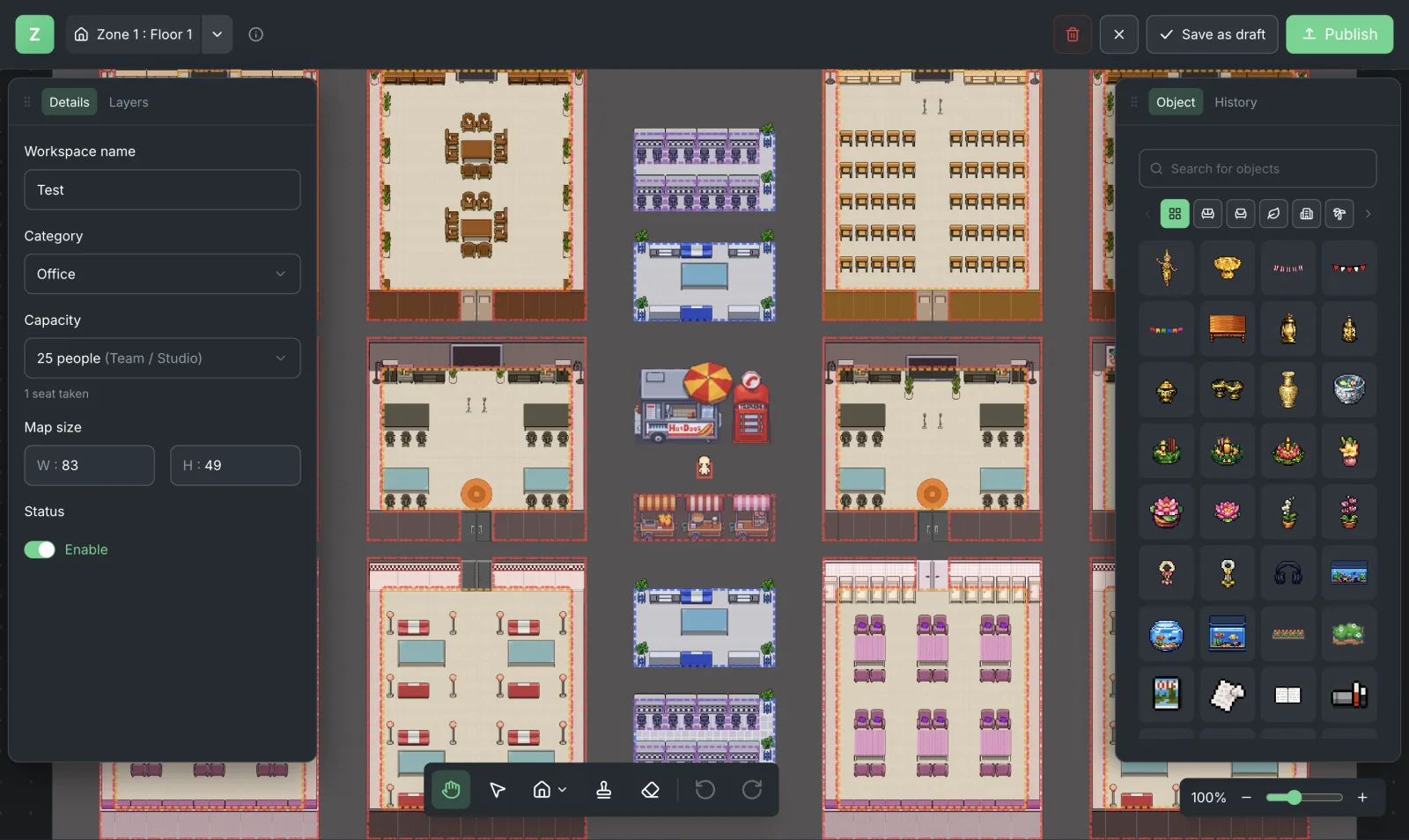
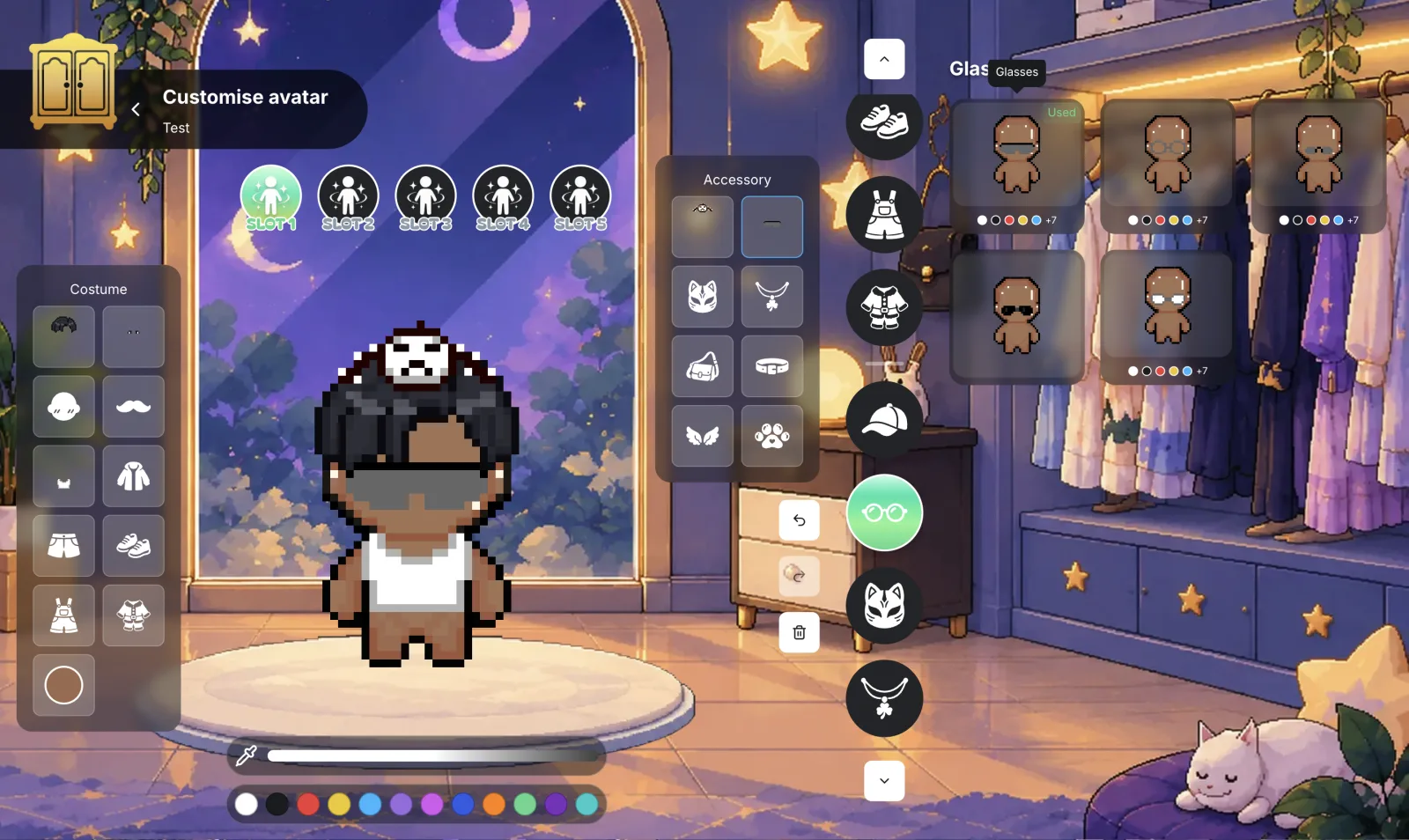
- Feel like one team all day. A variety of rooms, private zones, customizable avatars and spaces the team decorates itself make the office truly the team's own.
| Google Meet | Zyra World | |
|---|---|---|
| Best for | Scheduled meetings, inside and outside your organization | Working together through the day |
| How a conversation starts | Send a meeting link or code | Walk your avatar over and start talking |
| Knowing who is free | Check calendars and scheduled meetings | See avatars and status in the office |
| How it is used | Opened when it is time for a meeting | Kept open throughout the workday |
Many teams therefore use Google Meet for important appointments and meetings with outside people, and use Zyra as the team's own "place of work."
Back to Mint's Team
If Mint's team used an online office, the same morning would look like this. Mint opens Zyra and sees the designer's avatar sitting in the graphics team corner. She walks over, the audio connects on its own, she asks her 30-second question, gets her answer and goes back to work. No meeting to schedule, no message to wait on.
The team lead can see who is online and who is in a meeting, and can drop by to ask about progress the same way he would walk past a desk in a physical office. Updates that need to be kept for reference are posted in a channel and answered in a thread, so everyone sees the same thing. The newcomer can tell who is free and finds it easier to walk over and say hello.
6 Features an Online Office Should Have
- Works in the browser. Nothing to install, and everyone can join right away (Zyra runs at app.zyra-world.com).
- Proximity audio and video. Get close to someone and you connect automatically.
- Rooms and private zones. For meetings and for conversations that need privacy.
- Screen sharing in the room. No new link to create.
- Organized team chat. With channels and threads.
- Easy member management. Invite by link or email, set roles and permissions, and revoke access instantly.
Beyond features, also look at the languages your team can work in comfortably, the privacy policy and the pricing model.
Zyra's Strengths for Thai Teams
- Thai and English interface. Bilingual teams can work comfortably.
- Built by a team in Bangkok. Developed by Maximum Soft Co., Ltd.
- A clearly written privacy policy. Zyra's privacy policy states that voice, video and screen sharing are streamed live and are not recorded or stored. Zyra does not record meetings, does not sell personal data, and does not use users' voice, video, messages or files to train AI models or for advertising. Core data is stored in Singapore (read more in the Terms and Policies).
- Free to start. You can start using Zyra for free with a team of up to 25 people. Read more in What Is a Virtual Office for Teams.
Zyra Plans at a Glance
- Free: up to 25 members, 1 space, 3 rooms, 2 GB of storage, direct messages and proximity chat.
See the full details on Pricing and Plans and Features.
Get Started With an Online Office in 5 Steps
- Sign up at app.zyra-world.com with Google, Apple or email.
- Choose an office template and name the rooms for how you will use them, such as meeting rooms, team corners and focus zones.
- Invite your team by link or email.
- Set simple ground rules, such as keeping the office open during working hours, holding the standup in the same corner every morning, and continuing to use Google Meet for client appointments.
- Review after two weeks. Ask the team which rooms they actually use, then adjust the layout.
For more ideas, read about building a remote team culture and remote onboarding of new employees.
Frequently Asked Questions
Is an online office different from a virtual office?
In the context of team work, the two terms are interchangeable. But in Thailand, "virtual office" also refers to a service that provides a registered business address, whereas an online office refers directly to a team's digital workplace.
We already have Google Meet. Do we still need an online office?
It depends on how you work. If your team is remote or hybrid and wants it to be easier to talk during the day, an online office helps with that, and the team can keep using Google Meet for scheduled meetings as before.
Do I have to keep my camera on all the time?
No. The team can agree on its own ground rules, such as turning the microphone and camera on only while talking. The point is for everyone to be in the same office, not to be watched.
Does Zyra record meetings?
No. Zyra's privacy policy states that voice, video and screen sharing are streamed live and are not recorded or stored.
Can I start for free?
Yes. You can start using Zyra for free with a team of up to 25 people.
Bring Your Team Back Together
Your team probably already has good meeting tools. What may still be missing is a "place" where everyone can be together during the day. Start using Zyra for free with a team of up to 25 people.
Try Zyra with your team
Free for up to 25 members. It runs in your browser, so there is nothing to install.