
Invite member
Share an invite link or send directly by email. New members join your workspace instantly.
Six pillars that make Zyra the virtual office teams actually want to use.
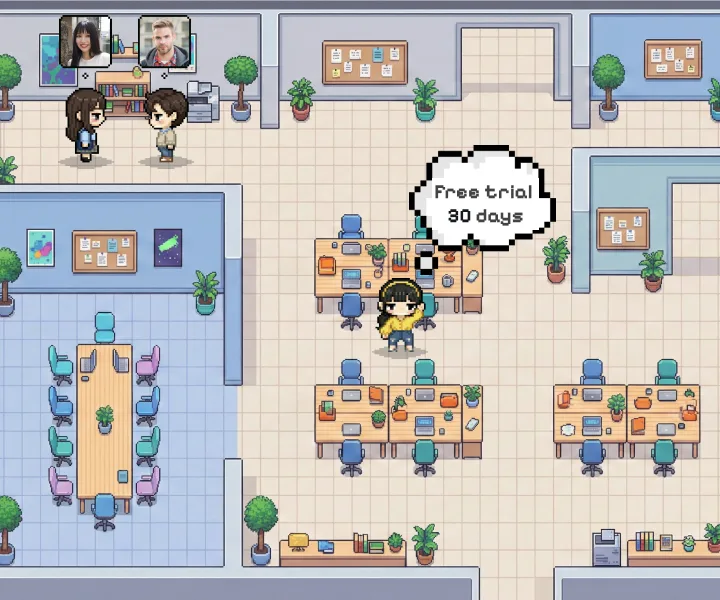
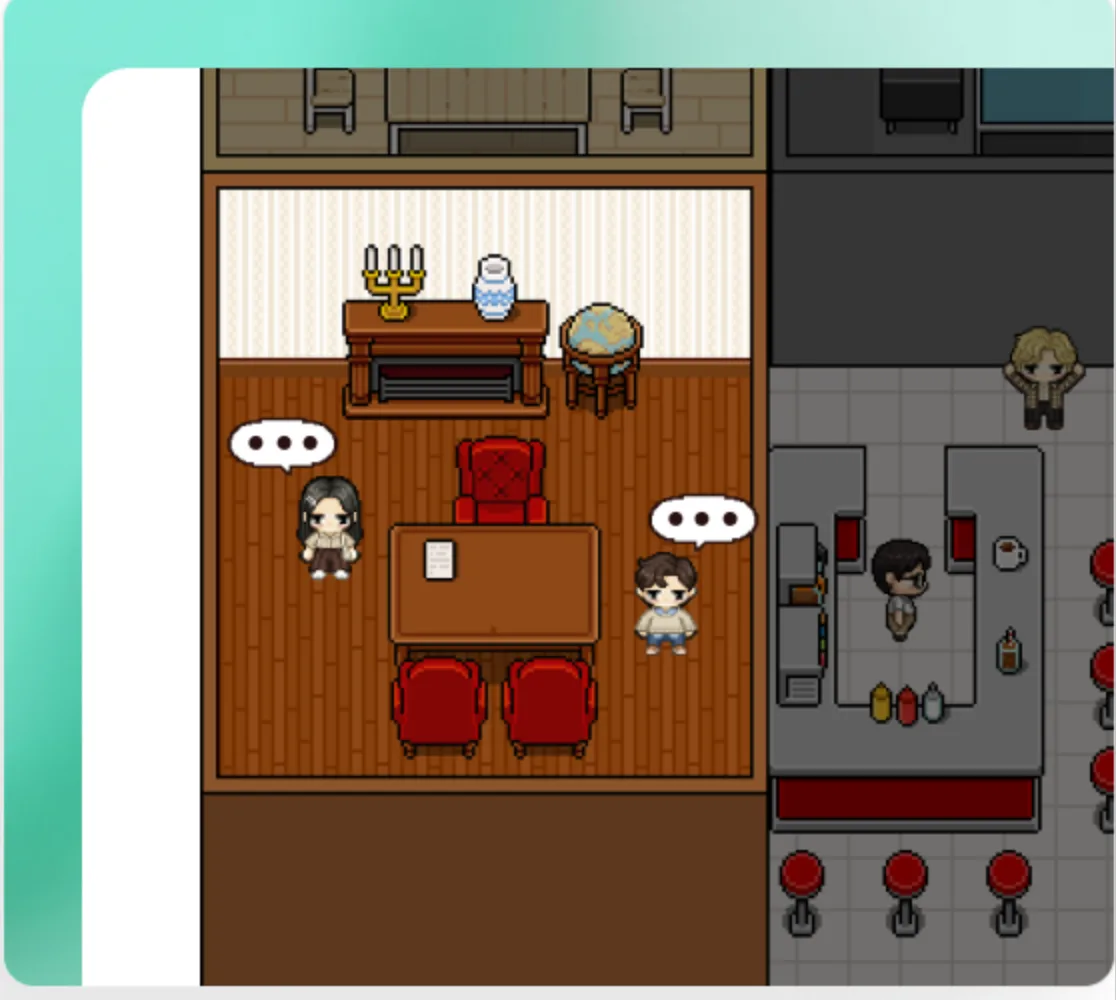
Proximity based audio means you hear teammates as you approach. Move your avatar, find your focus zone, or drop into a meeting room — all in real-time.
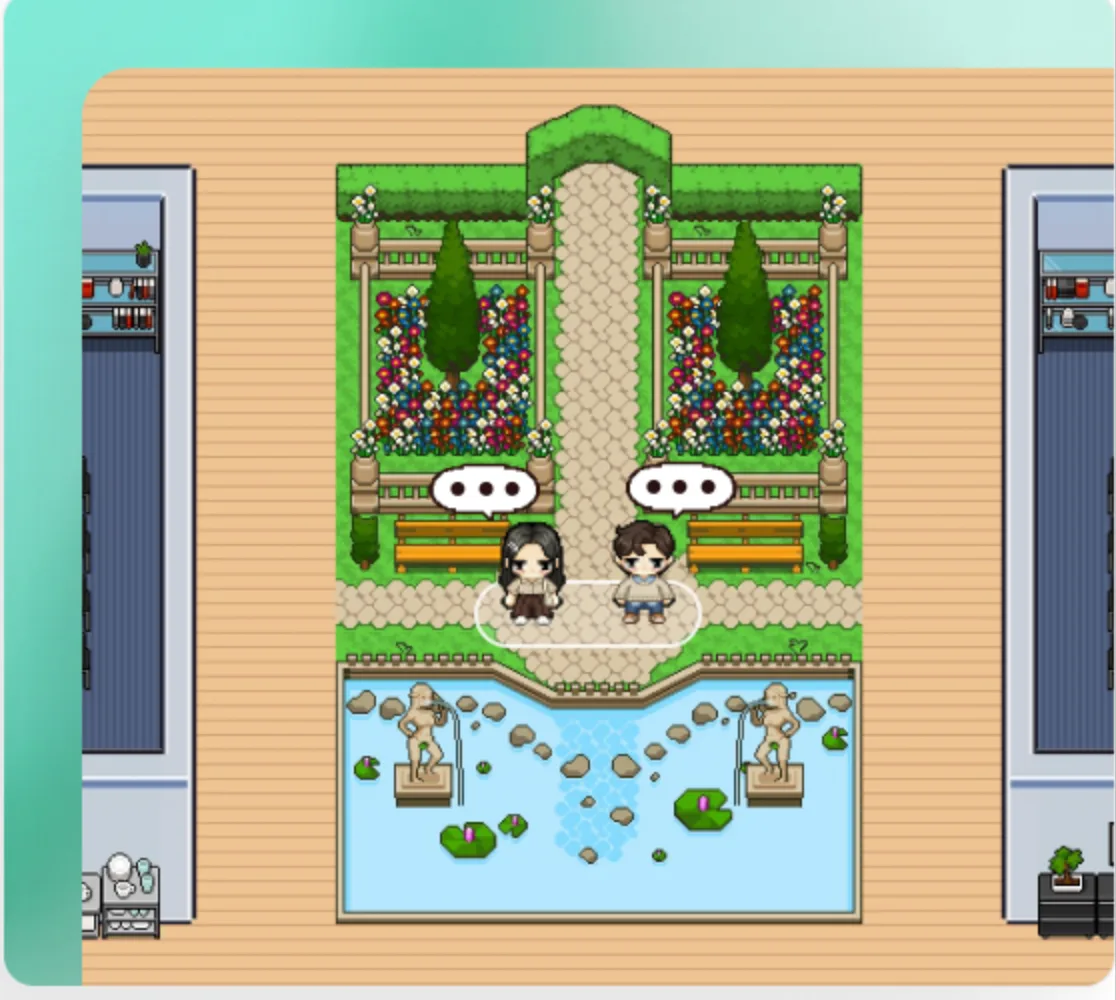
Start a conversation simply by walking up to a teammate. Voice and video connect automatically when you're nearby.
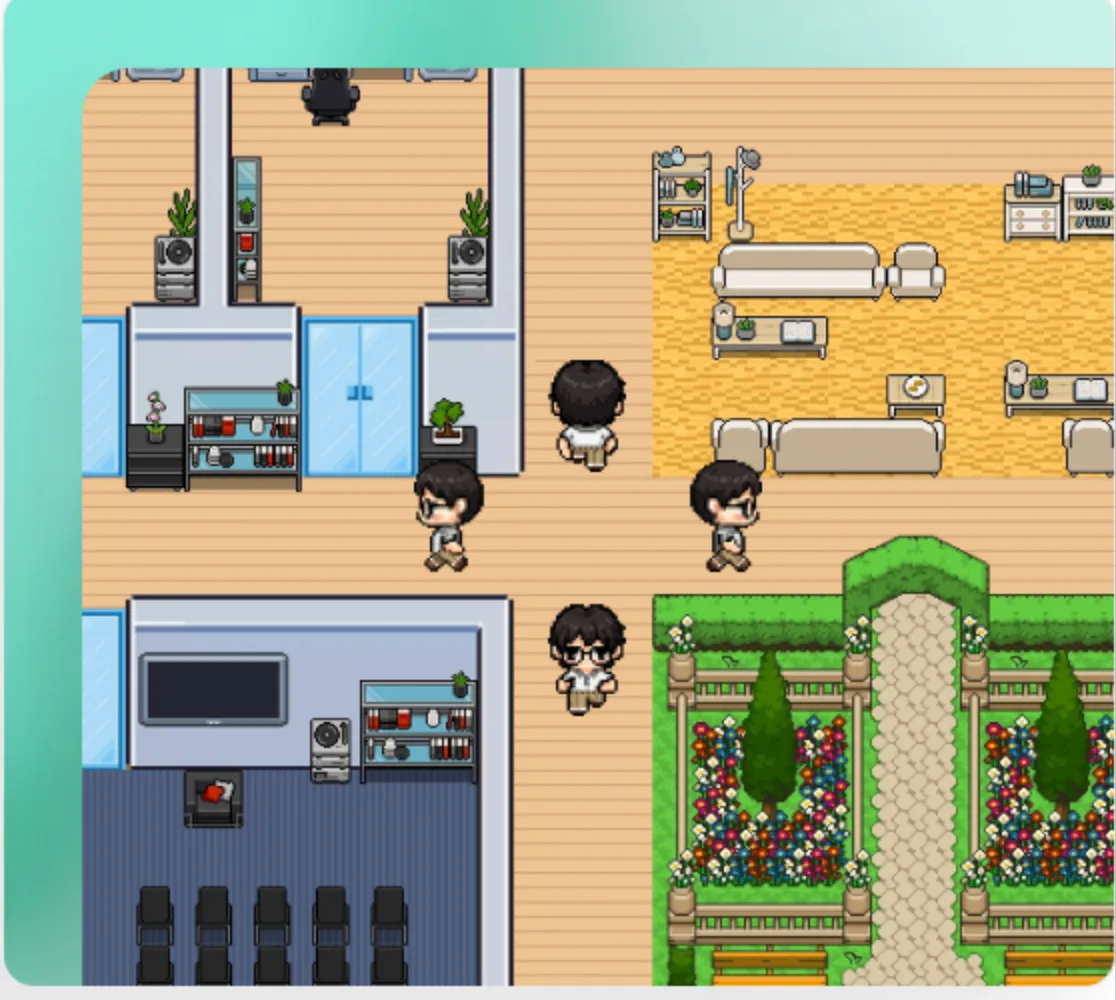
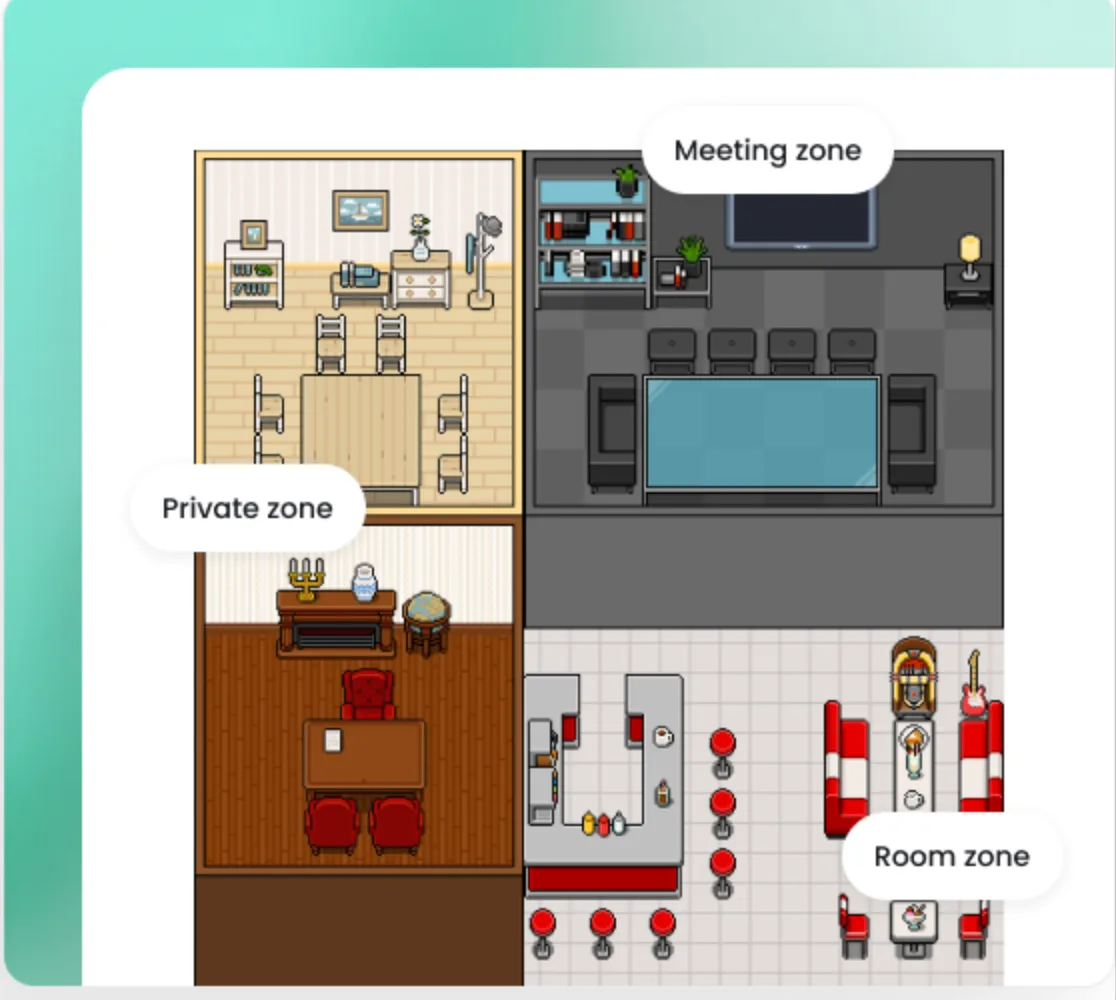
Move around the workspace as your avatar, visit teammates, or join meetings just like in a real office.
Create dedicated rooms for meetings, teamwork, or focused discussions to keep every conversation organized.
Step into private areas for confidential conversations without distractions from the rest of the workspace.
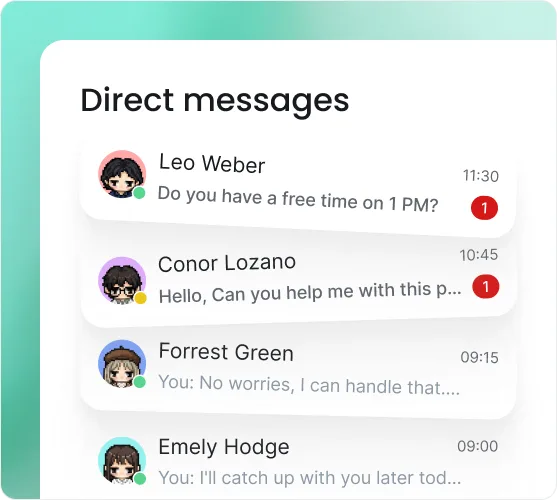
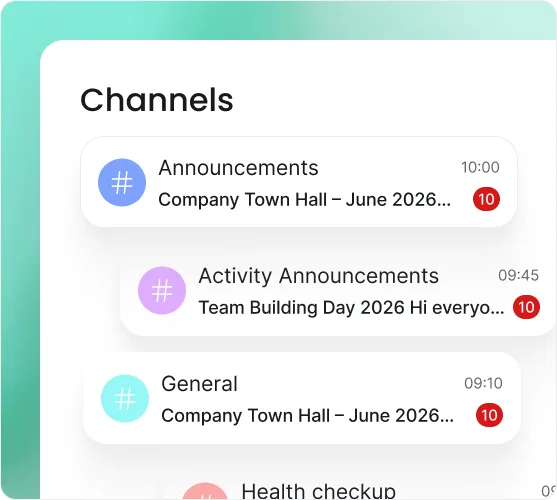
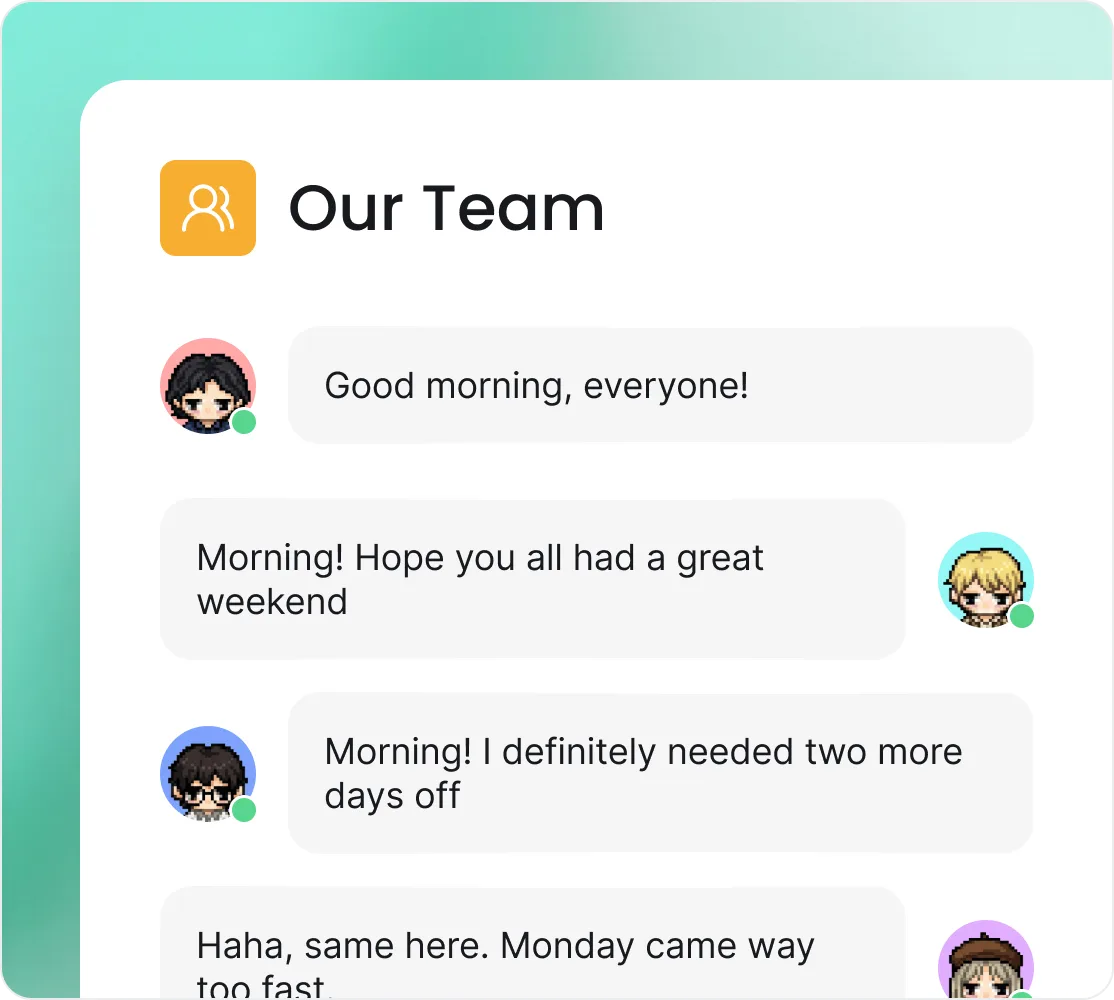
Stay connected with instant messaging designed for fast, organized communication across your entire team.
Chat privately with teammates for quick questions, updates, or one-on-one conversations.
Broadcast announcements and important updates to your entire workspace, ensuring everyone stays informed.
Create dedicated group chats for teams, projects, or departments to collaborate and stay aligned.
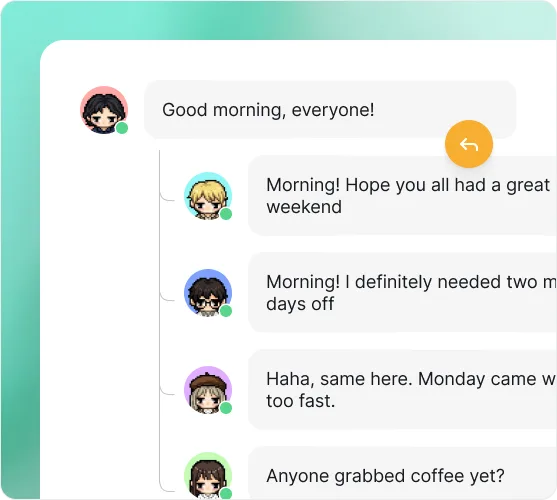
Keep conversations organized by replying in threads, making discussions easier to follow without interrupting the main chat.
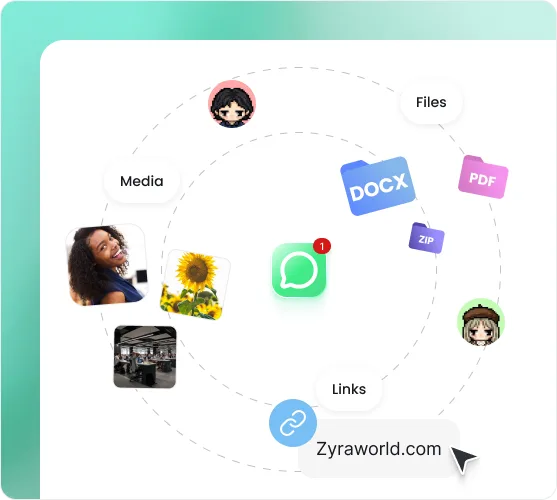
Share documents, images, and files instantly so everyone has the information they need when they need it.
Present your screen to explain ideas, review work, or solve problems together in real time.
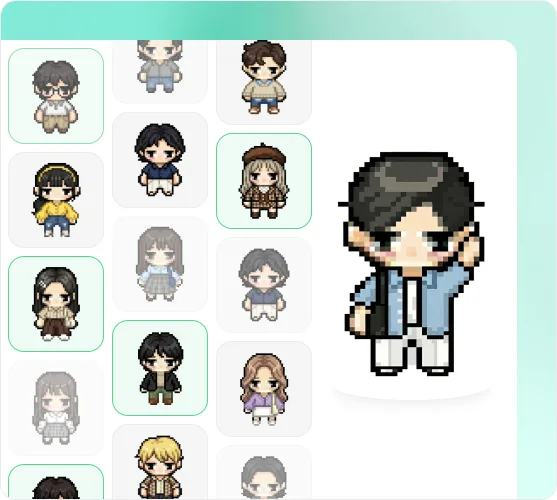
Create an avatar that represents you and makes every interaction more personal and engaging.
Customize your appearance to reflect your personality and stand out in your virtual workspace.
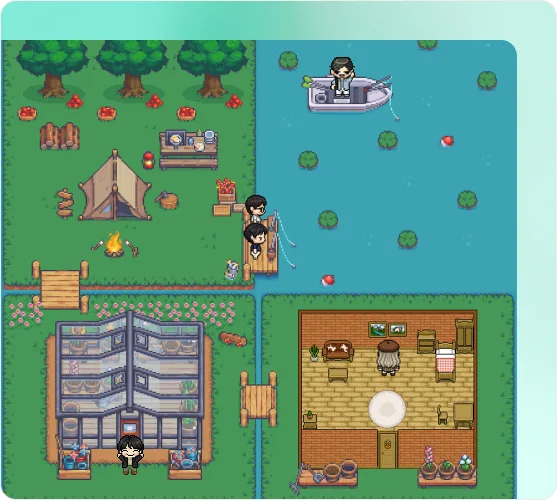
Build a virtual workspace that matches your team's culture, workflow, and way of working.
Start quickly with ready-made office layouts or customize them to fit your team's needs.
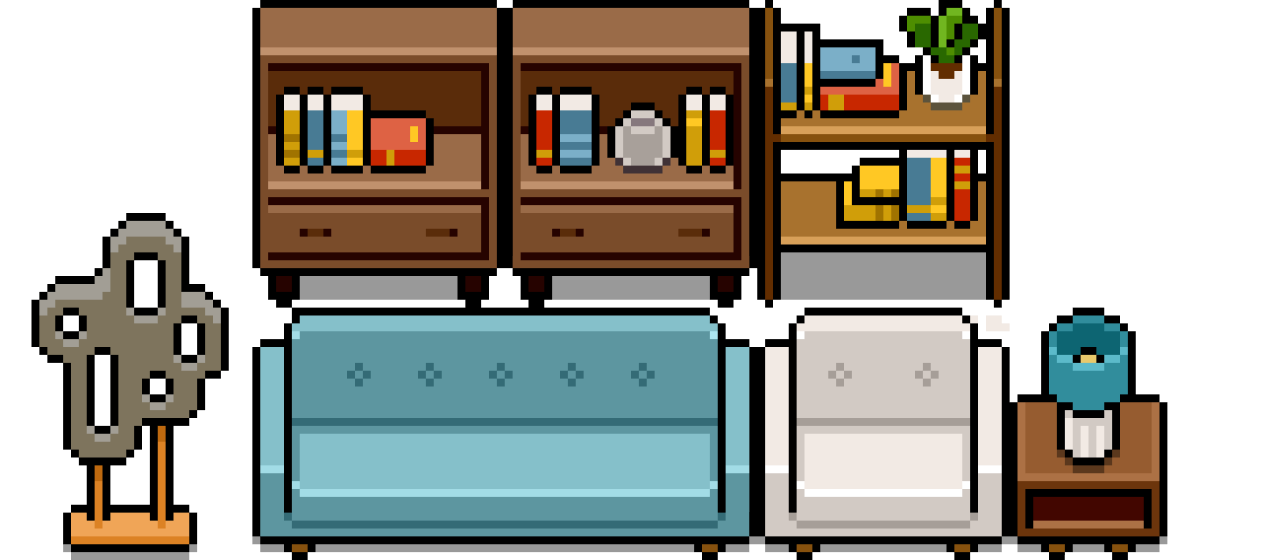
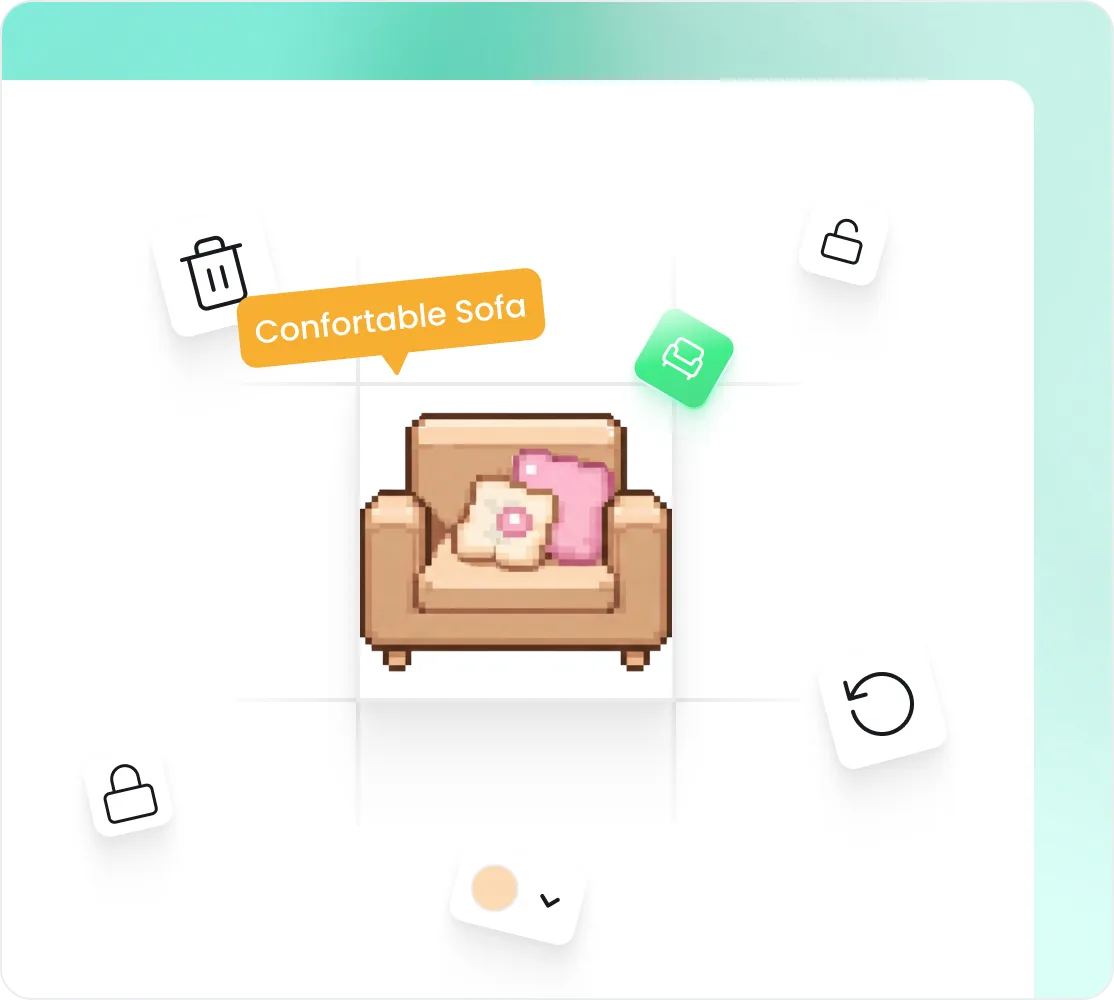
Add furniture, decorations, and interactive objects to create a workspace your team enjoys using.
Manage your team with simple tools for inviting members, controlling access, and keeping your workspace secure.
Share an invite link or send directly by email. New members join your workspace instantly.

Assign roles and permissions to ensure everyone has the right level of access.
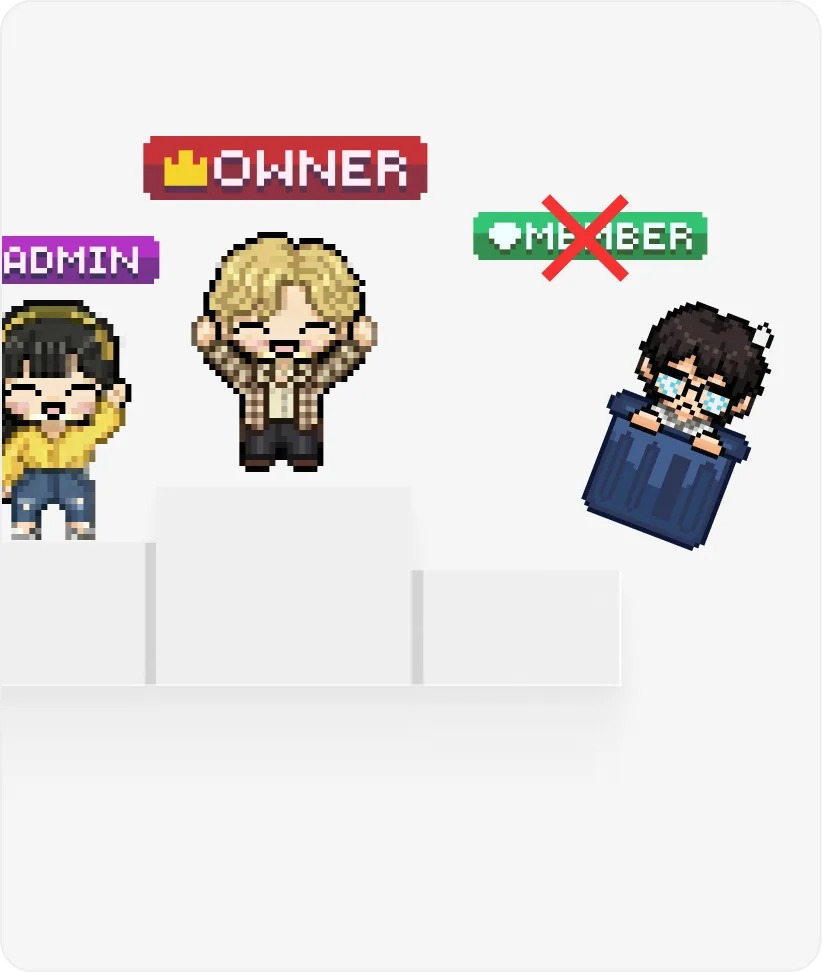
Remove a member and their access is gone immediately. No delays, no loose ends.
Discover what we’re building next. Follow Zyra’s transition from vision to release as we introduce powerful virtual workspace features, team collaboration tools, and interactive learning environments.
Free for teams of up to 25 members. No credit card required.
Yes. Move your avatar around the space and proximity audio connects you to nearby teammates automatically — no links, no dialing in.
Zyra includes direct messages, channels, group chats, threads, and file sharing, so your team can keep every conversation in one place.
Screen sharing and video are built in. Step into a room and present instantly — nothing to install and no meeting links to manage.
Start from a ready-made template or design your own layout, then add furniture, decorations, and interactive objects to match your team.
Invite by link or email, then assign roles and permissions. Revoke access anytime and it takes effect immediately.
Start using Zyra for free — no credit card, no setup fee. See how Zyra works.