
It Didn't Fit When You Tried It, but the Idea Isn't Wrong
Here is a hypothetical. A 12-person software company in Bangkok tries a virtual office for a month. Most people like the idea of walking over to talk. But the accounting team asks what the total comes to when the fee is in US dollars per seat, and two teammates say they don't want to install another program.
This article does not rank providers or say which is best, because "best" depends on the team. Instead it gives the criteria for deciding and looks at how each option answers them. Information about other providers was checked on their official websites on 29 October 2026. Prices can change, so check again before you pay. If you want a direct Gather-versus-Zyra comparison, read Zyra vs Gather Town.
Five Criteria for Thai Teams
- Price and currency. The providers we checked show prices in US dollars or euros per user. Calculate the total monthly cost for your actual headcount, and ask the provider about tax or tax invoices.
- Free plan and limits. How free is it really? Is it limited by people or by features?
- How easy it is to get in. Do you need to install an app, or does it work straight in the browser?
- Features your team really needs. For example screen sharing, meeting recordings, outside guests and SSO.
- Risk and upkeep. Do you use a service the provider runs for you, or self-host and need someone to maintain the system?
We did not confirm each provider's interface languages or Thai-language service from their websites, so we do not state them. Try the products yourself first.
The Options We Checked
Zyra
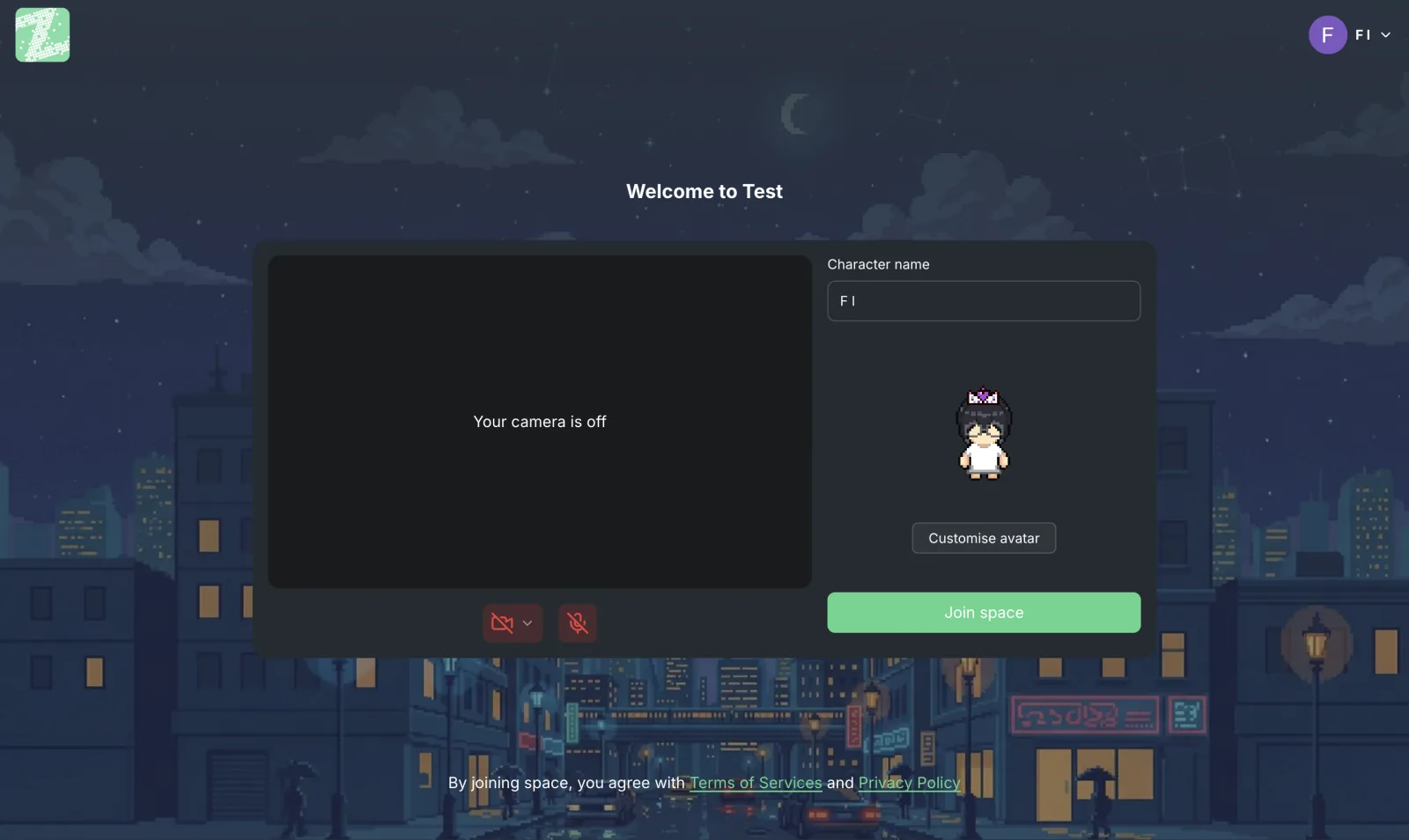
A browser-based virtual office with nothing to install. The free plan is for teams of up to 25 people and includes 1 workspace, 3 rooms, 2 GB, proximity chat, private messages and basic avatars (source: Zyra pricing page). Screen sharing, chat channels and threads, Space Builder and role permissions are in Pro, which the pricing page lists as coming soon. Limits to know about: chat history is not stored permanently, and no outside-guest feature is listed.
It suits small teams that want to start free and focus on quick proximity conversations. It is not a fit if you need screen sharing, outside guests or SSO right away.
Gather (the reference point)
It offers a 30-day trial, an Essential plan at US$12 per member per month, and a Custom plan that is quoted individually. The pricing page does not show a free plan and does not say how the US$12 figure is billed. Essential lists meeting recording and transcription, Google Calendar, GitHub, Spotify and host guests (source: gather.town/pricing).
Kumospace
Kumospace's pricing page (kumospace.com/pricing) shows a Free plan for up to 5 registered members, with desktop and mobile apps and public spaces. The Business plan is US$16 per user per month with a 14-day trial, and adds channels, unlimited chat history, recording and privacy controls. Enterprise has no listed price and adds SSO and an SLA. Guests on the Free and Business plans are limited to 50, and guests can join for 4 hours per week. Note: the pricing page itself is slightly inconsistent about billing cycles and some feature details, so confirm with the provider.
It suits teams that need chat history and recording, or want a mobile app, but the free plan covers only 5 people.
WorkAdventure
WorkAdventure's pricing page (workadventu.re/pricing) shows a Free plan that supports up to 10 users online at the same time. Rooms are public, so anyone with the link can join, and the plan does not include recording, SSO or email-based access restrictions. The Business plan starts at €8 per user per month, and there is an Event plan starting at €4 per user per day. The same page says you can install it on your own servers, but gives no price; you need to contact sales.
For licensing, check the terms on the project's own GitHub. Our article comparing 10 platforms says it is AGPL v3 with the Commons Clause, which is not open source by the OSI definition. It suits teams that want control over their own installation, and does not suit teams without someone to maintain the system.
Summary Against the Criteria
| Criterion | Zyra | Gather | Kumospace | WorkAdventure |
|---|---|---|---|---|
| Free plan | Up to 25 people | Not shown (30-day trial) | 5 members | Up to 10 online at once, public rooms |
| Starting paid price | Pro coming soon | US$12/member/month | US$16/user/month | €8/user/month |
| Access | Browser | Check with the provider | Desktop and mobile apps | Check with the provider |
| Self-hosting | Not stated | Not stated | Not stated | Available per the pricing page |
"Not stated" means we did not find that information on the pages we checked. It does not mean the option is unavailable.
A Quick Way to Decide
- Drop the criteria you don't need, leaving the 3 you can't do without.
- Pick two options that meet them. You don't need to try every provider.
- Pilot with a small team of 3–5 people for a week. Agree on etiquette first; see proximity chat etiquette in a virtual office.
- Calculate the total cost for your actual headcount from the latest pricing pages.
Frequently Asked Questions
What free alternatives to Gather are there?
Based on the pages checked on 29 October 2026, Zyra is free for teams of up to 25 people, WorkAdventure is free for up to 10 users online at the same time, and Kumospace is free for 5 members. Each one cuts different features. See the table above.
Why look for an alternative to Gather?
There are several reasons unrelated to quality, for example that Gather does not show a free plan, charges per member, or the team doesn't want features it doesn't use. If Gather already meets your team's needs, there is no need to move.
Which should a Thai team choose?
There is no single answer. Start with the five criteria above, then try the products in practice. We did not confirm Thai-language support for each provider, so test it yourself.
Who is Zyra for, and who is it not for?
It suits small teams that want to start free in the browser and focus on quick conversations. It is not a fit if you need screen sharing, SSO, outside guests or permanent chat history right away. Check plan status on the pricing page or contact our team.
What else should I check before paying?
Check tax and tax invoices, cancellation and refund terms, and the personal data policy directly with the provider. For the basics, see data security and PDPA (PDPA is Thailand's Personal Data Protection Act).
Try Zyra as One of Your Options
Open your team's workspace for free for teams of up to 25 people. It runs in the browser. Then compare it with the other options using your own team's criteria.
Start using Zyra free for teams of up to 25
Try Zyra with your team
Free for up to 25 members. It runs in your browser, so there is nothing to install.