Instant Replies to Everything, and Nothing Moves on Its Own
A hypothetical: "Jiab" leads a five-person marketing team spread across three time zones. One freelancer is in Chiang Mai, and another team member is in Japan for a while to help family. Every message is expected to be answered within minutes. If it isn't, someone calls to chase it.
Update meetings get scheduled for almost everything, even choosing a cover image, a decision that could be explained in four lines. Anything waiting on Jiab alone sits idle all afternoon because she is in the next meeting. The person in Japan wakes up to stalled work, with no record of how far the decision got.
The team isn't slow to reply out of laziness. They are stuck in a culture where everything is a live conversation, even though most work can wait an hour or two without breaking.
What Asynchronous Means in Real Work
Asynchronous work means people don't have to be online at the same time for work to keep moving. Messages, comments on documents and written decisions wait for the reader until it's their turn. Synchronous work means being present together, such as a meeting or walking over to ask someone at their desk.
Doist, a company that makes productivity software, wrote about this in its Asynchronous Communication article. It describes its own communication mix as roughly 70% async through written tools, 25% sync through video calls and 5% in-person, such as the annual retreat. That is Doist's ratio, not a formula every company should copy. But it shows that even a team that deliberately works async still leaves room for live conversation. It hasn't dropped meetings altogether.
Microsoft's 2023 Work Trend Index found that, across Microsoft 365 apps, the average user spends 57% of their time communicating and 43% creating. These figures measure time inside the product, not survey answers. Still, if more than half the time in work tools goes to communication, pulling things that could be written back into meetings pushes the balance even further toward talking.
In its meeting guide, GitLab recommends using a document instead of a meeting whenever possible, and giving every meeting that remains an agenda and live notes. For how to run the meetings that are left, see How to Run Effective Online Meetings.
Sort Each Topic Into the Right Type
Write for Someone Who Isn't in the Room
A good async message has four parts: context, what has been decided, what is still open, and what you need from the reader. Don't send "so, about this morning?" to someone in another time zone.
Put the link to the document in the first message. Someone who wakes up later shouldn't have to ask which group the file is in. This often happens when conclusions get buried in chat. Read the ground rules in Work Chat on LINE. (LINE is a popular messaging app in Thailand.)
Set Reply Times That Differ From Emergency Times
For example, topics in a channel get a reply within the working day, not within ten minutes. Same-day matters have one channel and a shared word that means "urgent." If every channel is an urgent channel, async never happens, because everyone still has to watch their screen.
Use Sync When a Misunderstanding Costs More Than the Meeting
Live conversation is worth it when you need to read tone, when there are more than three options and the document discussion hasn't settled them, or when a newcomer doesn't know the ground rules yet. Otherwise, write it down.
A five-minute walk over to ask someone is still a live conversation. It just doesn't have to be a 30-minute slot on the calendar.
Don't Let One Person Be a Bottleneck With No Written Record
If Jiab is the only person who approves cover images, write down the criteria: which kinds can go ahead without waiting for her, and which have to wait. Then work keeps moving while she is in a meeting, and a different time zone doesn't mean a lost day.
A set of tools that covers these roles for a small team is in Remote Work Tools for SMEs.
Writing and Walking Over to Talk Live in the Same Office
A team that works async well isn't a team that bans conversation. It's a team that gets to choose.
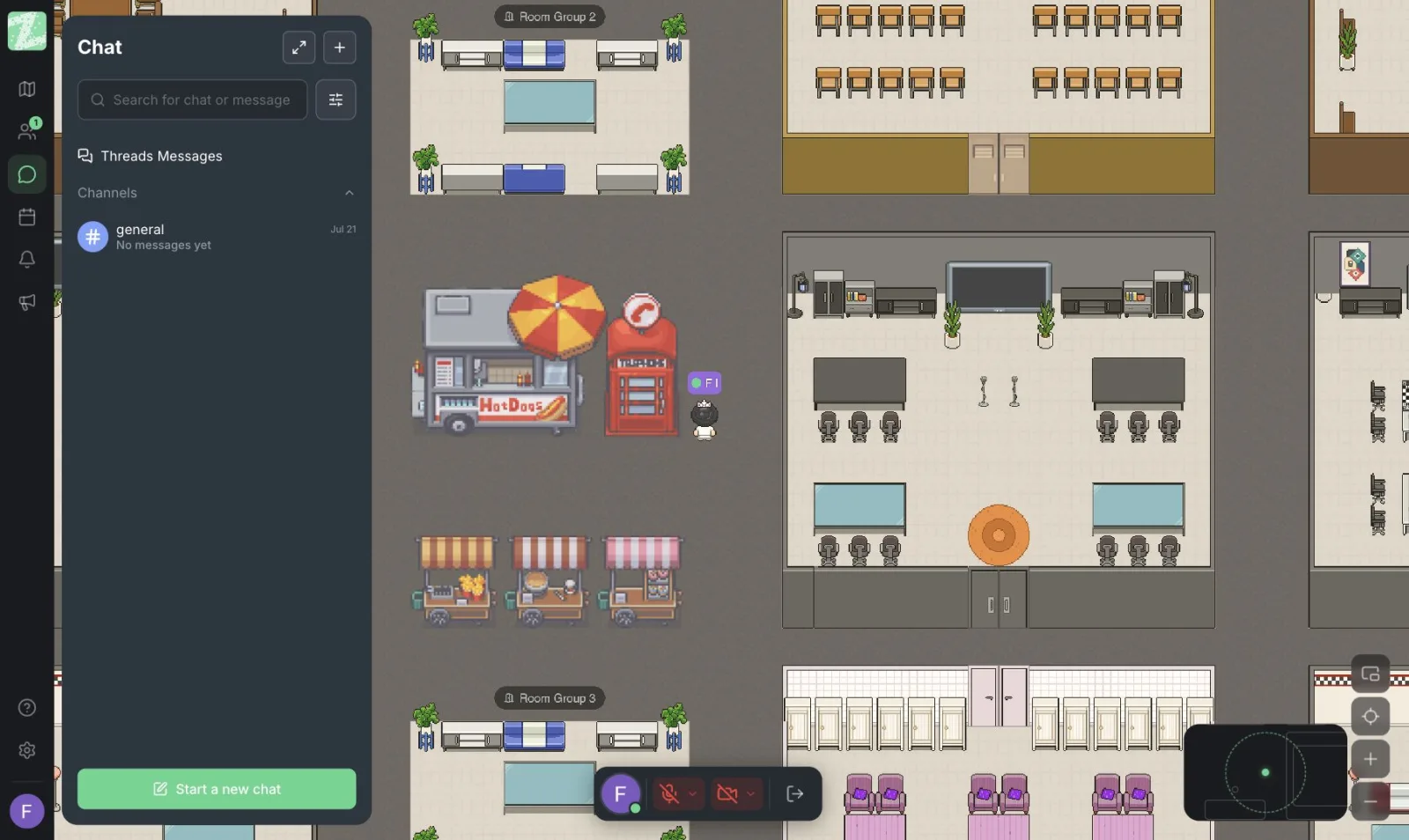
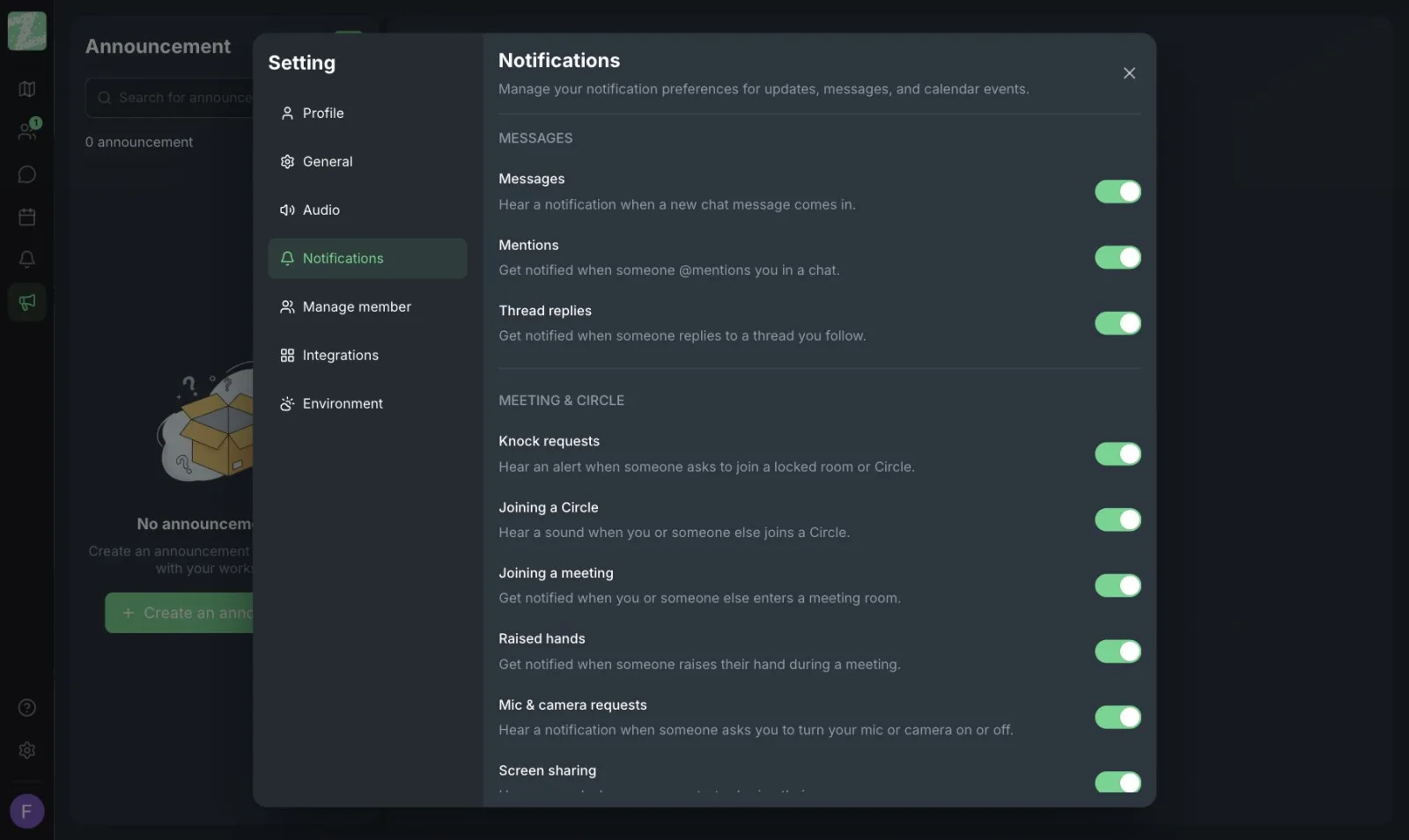
In Zyra World, non-urgent topics live in channels and threads. They get read when it's the reader's turn and can be answered without calling everyone together. For topics that need a live conversation, you walk your avatar over right away, with audio that follows distance, so there's no need to schedule a meeting to ask one question. People in different time zones can still read a thread when they wake up, and people who are online at the same time don't have to wait for a meeting to handle something small.
The idea behind this space is explained in Online Office.
Google Meet Belongs in the 25%, Not the 100%
Doist's ratio isn't a quota, but the picture is useful. Google Meet is strong for the sync part, when there is an agenda, outside guests and an end time. Use it there.
Don't let Meet become the place for every update, only to find that no part of the day is left for actually writing the work. Zyra puts threads and short conversations in the same place, which helps a team choose whether a topic should be async or a walk over. It doesn't replace Meet.
One Day for a Team That Doesn't Wake Up Together
Suppose Jiab is in Bangkok, the freelancer is in Chiang Mai and another member is in Japan. Bangkok's morning is a time when the Japan side hasn't started or is about to take a break. If every topic waits until all three are free at once, that day has less than two hours of overlap, and those hours fill up with meetings.
An async day looks something like this. Before Jiab starts work, she opens a thread the person in Japan wrote the night before. It has all four parts: the context (the client asked to change the headline), what's decided (keep the same tone), what's still open (the illustration), and what's needed (the person in Chiang Mai picks one of two options today). Jiab doesn't need to call anyone. She adds a comment about words to avoid, then goes back to her own work in a focus block.
The person in Chiang Mai wakes up to both the message from Japan and Jiab's comment, and picks the image without waiting for a 10 a.m. meeting, when the person in Japan would be asleep. There is one point in the afternoon that does need a live conversation: the client changes the brief so much that the written criteria no longer apply. Jiab walks over to whoever is online in the office, talks for five minutes, then writes the new conclusion in the same thread. The person in Japan reads it in their morning without having to listen back to a meeting.
What keeps the day moving isn't how fast every message gets answered. It's a thread that can be read and acted on, plus a way to walk over and talk when a document truly can't carry the work further. If your team doesn't span countries yet, the same approach works for people who sit in meetings all morning and only get to sort through messages in the afternoon.
Try It on One Channel for Two Weeks
Pick a routine update meeting. Move it to a message with the four parts above. Cancel that meeting once, then ask whether anything actually broke or whether people simply weren't used to it. If nothing broke, keep it. If something did, go back to meeting only for the part the document can't answer. Don't move every meeting in one week, because you won't be able to tell what broke because the document wasn't enough and what broke because people weren't used to it yet.
You can open both modes in the browser with Zyra. Teams of up to 25 members can start free.
Start Zyra free for teams of up to 25
Frequently Asked Questions
Does asynchronous work mean no meetings at all?
No. It means not forcing everything to be a same-time conversation. Doist still keeps a sync part and an in-person part. That ratio is theirs, and your team can differ.
How do async and sync differ in a single day?
Sync means people have to be present together to finish something, such as a meeting or walking over to ask. Async means writing it down and the reader reads it when they're free. Work can move on even if the recipient hasn't opened the message yet.
Clients want an immediate answer. Can we still work async?
For internal work, yes. Clients still get answers according to the agreement for that job. Keep client channels separate from team channels, so the whole team doesn't have to watch for client replies.
What counts as a message that isn't written well enough?
A message with no context, that doesn't say what the reader should do, and that has no link to the document. The reader has to message back with more questions, when the work should have been able to move on its own.
Do teams in different time zones need to schedule late-night overlaps?
Only for topics the document couldn't settle, and only if the people involved really accept that time. For everything else, let the thread move overnight so that whoever wakes up can read the conclusion without listening back to a meeting.
Try Zyra with your team
Free for up to 25 members. It runs in your browser, so there is nothing to install.